Features · Law practice management software
Practice management for Indian advocates.
Cases by stage, hearings, court records by CNR, documents and drafts, in one place for your whole firm. April checks eCourts after each hearing and tells you what changed.
Case ID, court, bench, judge, parties and counsel.
Next dates, notes and attachments for each hearing.
Hearing history, interim orders and judgements.
Summary and SWOT from the case file.
In plain words
What is law practice management software?
Law practice management software runs the work of a law practice: every case and its stage, the next hearing, court orders, documents, drafts and who in the firm is handling what.
It replaces the diary, the spreadsheet of next dates and the folders of orders. In India it also needs to work with eCourts, which is where April fetches hearing dates and orders from.
April AI is AI contract management and legal practice software for businesses, law firms and individuals in India and the UAE.
What April does
Everything in one place.
Cases
Every matter, with everything about it.
- Case IDs, type and sub-type, origin
- Court, level, bench, judge and location
- Opposing parties and counsel
- Police details for criminal cases
Case board
See where every case stands.
- Consultation only, pre-litigation, filing and registration, trial, judgement
- Drag a case to its next stage
- A lawyer column and an "Assigned to me" filter
- List view with next dates
Hearings
Never miss a date.
- Next date, stage and court number
- Notes and attachments for each hearing
- Calendar for the whole firm
- Dates from eCourts marked as such
eCourts tracking
Enter a CNR number once.
- Case record, hearing history and next date
- Interim orders and judgements, with a summary
- Checked again after each hearing
- A notification when something changes
Documents and drafts
The file, in one place.
- Uploaded, generated and analysed documents
- Court orders filed under the case
- Drafts made with April filed under the matter
- Contract review for client documents
Your firm
Clear ownership and permissions.
- Lead lawyer and team on each case
- Notification and email when a case is assigned
- Roles such as Partner, Associate, Clerk and Accounts
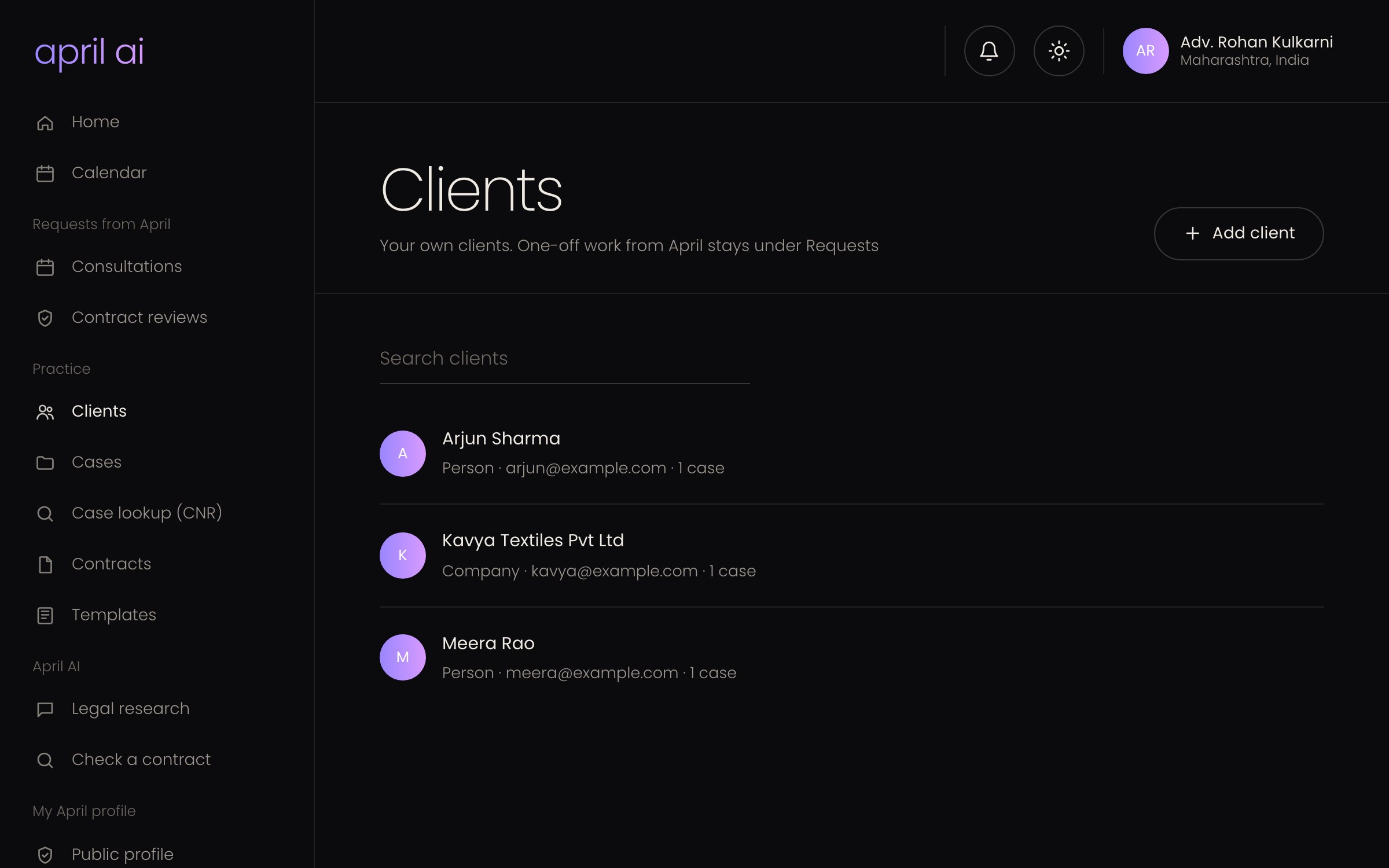
- Clients linked to their cases
How to start
Three steps.
Sign up free
Create your practice with Google, email or phone. No card needed.
Add your cases
Add each case, or enter its CNR number and let April fetch the details.
Work as a firm
Invite your team, assign cases and share one calendar.
Does April connect to eCourts?
Yes. Enter a CNR number and April fetches the case record, hearing history and orders through a partner service that reads the public eCourts websites, then checks again after each hearing.
Is this only for law firms?
No. It works for an advocate on their own as well as a firm. Roles, assignment and the firm calendar matter more as you add people.
What does the AI do with a case?
April writes a case summary and a SWOT from the case details and documents, answers questions with the case in context, and files drafts under the case.
How is this different from a legal CRM?
Practice management covers the legal work: cases, hearings and court records. A legal CRM covers the client relationship. April does both, and every case links to its client.
Run your practice on April.
Start free, for yourself or your whole firm.