Features · Legal CRM
A legal CRM that knows your clients.
Every client, consultation, follow-up and document in one place, for an advocate on their own or a whole firm. April adds AI that has read the client file.
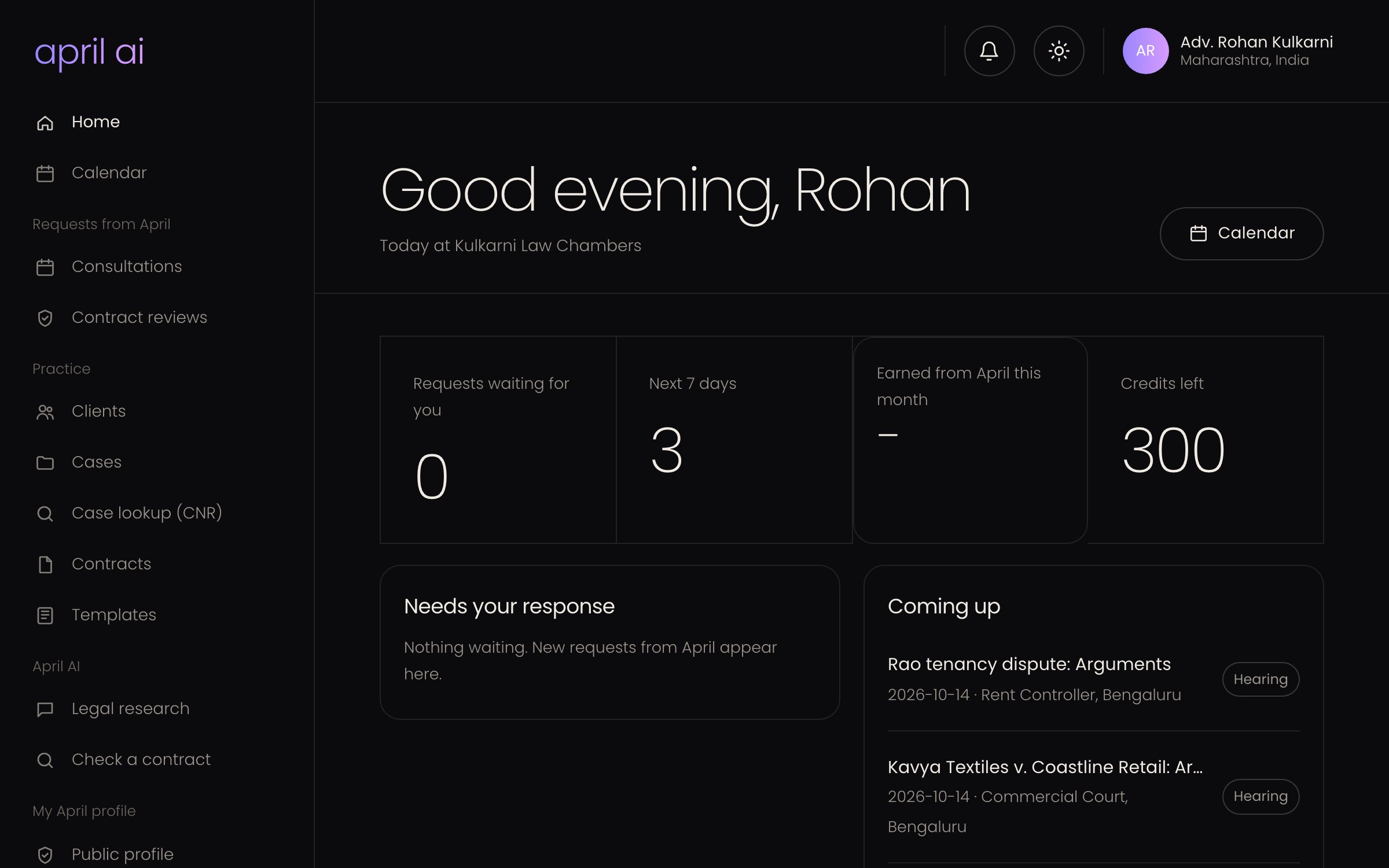
People and companies, with ID and address proofs.
Consultations and communication logs with reminders.
Relationship manager, primary and supporting lawyers.
Linked clients see case dates, never your notes.
In plain words
What is a legal CRM?
A legal CRM (client relationship management) is where a law practice keeps its clients: who they are, what they came for, every call and meeting, the documents they gave you and what you promised to do next.
A general sales CRM is built for deals. A legal CRM is built around clients and matters, with ID proofs, consultations, cases and confidentiality in mind.
April AI is AI contract management and legal practice software for businesses, law firms and individuals in India and the UAE.
What April does
Everything in one place.
Client records
Everything about a client on one page.
- People or companies, with nationality, state and city
- ID proof, address proof and supporting documents
- Engagement: consultation, potential or existing client
- Legal domain and notes
Follow-ups
Never forget what you promised a client.
- Consultations with their details
- Communication logs for calls, meetings and emails
- Reminders by notification and email
- Notes kept with the client
Your firm
Clear ownership for every client.
- Relationship manager for each client
- Primary and supporting lawyers
- Roles such as Partner, Associate and Clerk
- Tick-box permissions for each role
Client portal
Fewer "what is the next date?" calls.
- Invite a client to April with a one-time code
- Clients see each case's title, stage, court and next date
- Never your notes, documents or AI work
- Clients can unlink at any time
AI on the file
Advice and drafts with the client in context.
- Ask April with the client's facts already known
- Drafts filed under the client
- Upload and analyse a contract for the client
- Uploaded, generated and analysed documents kept apart
Cases
Every client links to their cases.
- Turn a consultation into a case
- Case board by stage
- Hearings and eCourts tracking by CNR
- Cases assigned within your firm
How to start
Three steps.
Sign up free
Create your firm with Google, email or phone. No card needed.
Add your clients
Add each client in three short steps, with their documents.
Invite your team
Add lawyers and staff, and give each a role.
What is the difference between a legal CRM and practice management software?
A legal CRM focuses on clients: records, consultations and follow-ups. Practice management covers the legal work: cases, hearings, court records and documents. April does both, and they are linked.
Can a solo advocate use April?
Yes. April works for an advocate on their own and for a firm with many lawyers. Firm roles and assignment appear when you add people.
Who can see client information?
Only people in your firm, within the permissions of their role. Linked clients see only case title, stage, court and next date. April's own team sees usage counts, never your client files.
Where are client ID documents kept?
In private storage in Google Cloud. Downloads use links that expire in 5 minutes, and every view of an ID document is recorded.
Read more
Keep exploring.
Bring your clients to April.
Start free, for yourself or your whole firm.